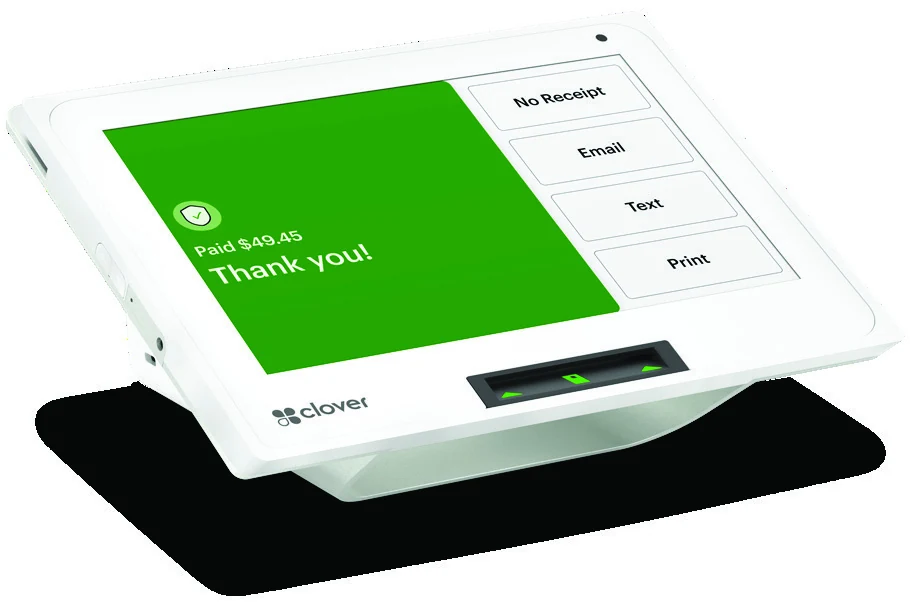
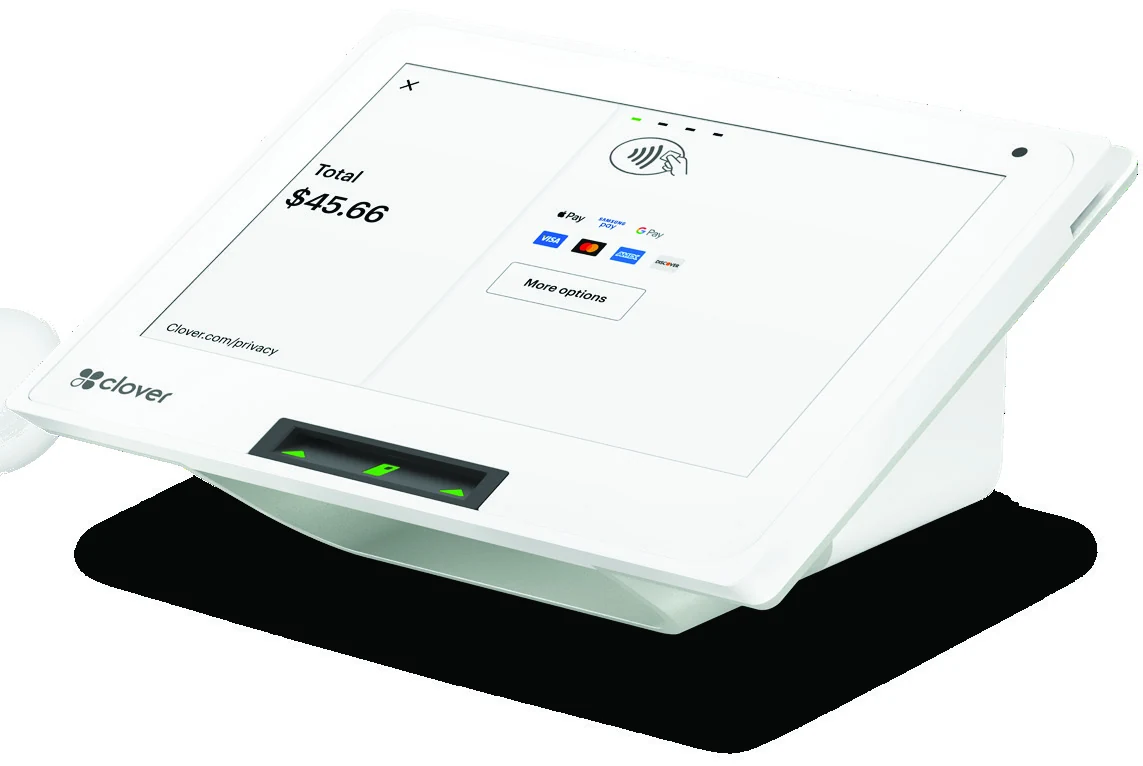
Powerful and sleek. Clover Mini takes swipe, chip and contactless payments right out of the box. With Clover, you can also do your taxes, accounting, inventory, rewards and virtually anything else your business needs.
Mighty and Mini
Need a reliable terminal? Maybe a full-featured POS? Clover Mini is both. Expand functionality with hundreds of apps in the Clover App Market.
Keep It in the Cloud
Your Clover Dashboard lets you see your complete sales history, monitor inventory and manage employees — wherever, whenever.
Ready, Set, Grow
The Clover platform provides robust hardware and software solutions that grow with you as your business evolves.
Features that help get the job done
- Accepts credit and debit card swipes, EMV chip + PIN/signature and contactless payments like Apple Pay and Google Pay
- Bright, durable 8-inch screen
- With a small countertop footprint of 4.2" by 8.3" by 6.7", the Mini is small enough for any space, but packs the POS power to run your business, front to back
Less Clutter. More Productivity.
Say goodbye to crowded counters and say hello to getting more done. Clover Mini gives your customers more ways to pay while you get the benefits of a full-featured POS in a compact device.
Essential for Every Business
Your Clover Mini comes with all the features you need to accept payments and run your business. With hundreds of apps, the Clover App Market lets you customize your device with whatever else your business needs. Get started with:
Register
Take orders, add or remove items and accept payments.
Customers
View customer information, transaction history and marketing preferences.
Clover Online Ordering
Let customers order and pay online with a custom menu page created by Clover.
Reporting
Gain business insights from sales reports and business metrics.
Rewards
Set up your own digital loyalty and marketing program with third party apps.
Time Clock
Manage employee schedules, overtime, timesheets, payroll exports and much more.
Who the Clover Mini suits
The Mini is a countertop POS: it stays beside the register and customers come to it. It fits best when:
- Customers pay at one counter, as in a café, bakery, salon, pharmacy or small shop
- Counter space is tight and a full station would not fit
- You want the register, the card reader and the sales reports in one device rather than three
If payment has to go to the customer, at the table or at the door, look at the handheld Clover Flex 4 instead. If you need a large screen for staff and a second one facing the customer, look at the Clover Station range. Clover Flex 4 · Clover Station Solo · Clover Station Duo
Clover Mini, Flex 4 or Station?
| Model | Where it sits | Screen | Best for |
|---|---|---|---|
| Clover Mini | Countertop, compact | 8-inch | One counter, little space |
| Clover Flex 4 | Handheld, battery | Handheld touchscreen | Paying at the table, curb or door; built-in barcode scanner |
| Clover Station Solo | Countertop station | 14-inch, tilting | Busy counters with a separate card reader |
| Clover Station Duo | Countertop station, two screens | 14-inch + 8-inch customer screen | High volume, customer-facing screen, built-in receipt printer |
Screen sizes and features are taken from each product's own page on this site. Not sure which one fits? Tell us how your customers pay and we will say which one we would choose.
Setting up a Clover Mini with RKP Atlantic
RKP Atlantic is an independent agent for Clover, Elavon and Nuvei, so the Mini is one option we compare, not the only one we sell. When it is the right fit, we open the merchant account, set up the device with your items and taxes, and stay your contact afterwards, in English or French, from Atlantic Canada.
Other Clover options we set up: Clover Flex 4 · Clover Station Solo · Clover Station Duo · Clover Kiosk · Clover Essentials · Clover Capital · Clover Surcharging
Clover Mini questions
Which payments does the Clover Mini take?
Credit and debit cards by swipe, chip with PIN or signature, and contactless payments, including Apple Pay and Google Pay.
Clover Mini or Clover Flex 4?
Choose the Mini when customers pay at the counter and the device can stay plugged in. Choose the Flex 4 when the device has to go to the customer: it runs on a battery that lasts a business day and has a barcode scanner built in.
Can a Clover Mini grow with the business?
Yes. The register, customers, online ordering, reporting, rewards and time clock come with it, and the Clover App Market adds more. When one counter becomes two, a Flex 4 or a Station can join the same Clover account.